Boards
Sketchblock discovers .excalidraw files in the active source. The gallery provides previews and the file view exposes the exact path and revision. Text and long labels remain fully readable in the canvas and board surfaces.
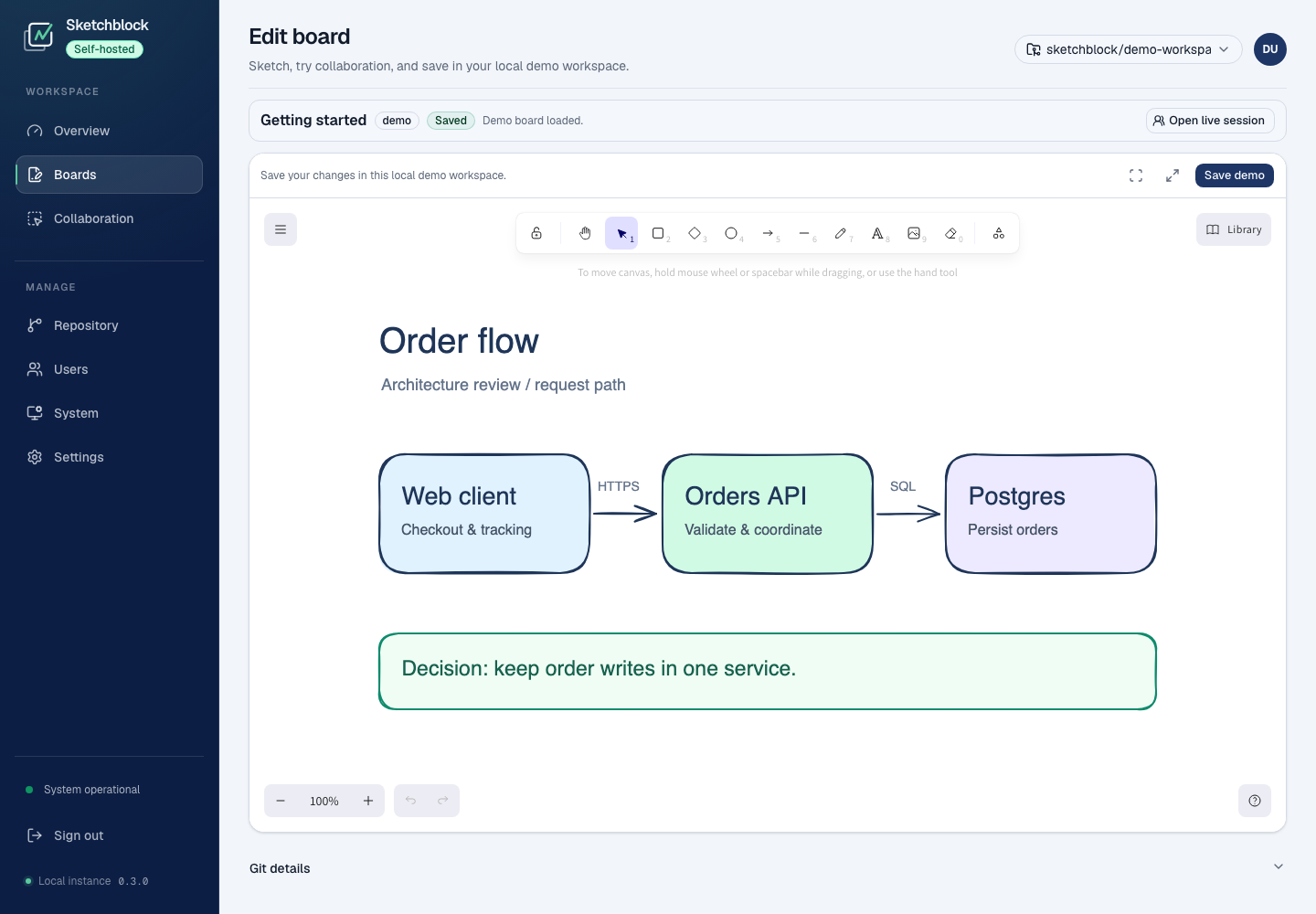
Board lifecycle
- Discover
Scan the active source and choose a board from the gallery or exact file path.
- Edit
Open the current content in the canvas and work alone or with an invited session.
- Check
Use the revision or conflict state to understand which source version you loaded.
- Save
Write a Git commit, local workspace version, or demo-local save according to the active provider.
Where a save goes
For a GitHub-backed board, opening loads its GitHub file SHA as the conflict baseline and saving writes the current Excalidraw document back as a Git commit. If the remote SHA changed, Sketchblock blocks the save and asks you to reload.
In the instance workspace, saving creates a new Postgres-backed version and keeps version history available in the editor. The editor uses local-workspace save labels and hints. In demo mode, the included board is persisted locally in Postgres and never sent to GitHub.