Facilitation
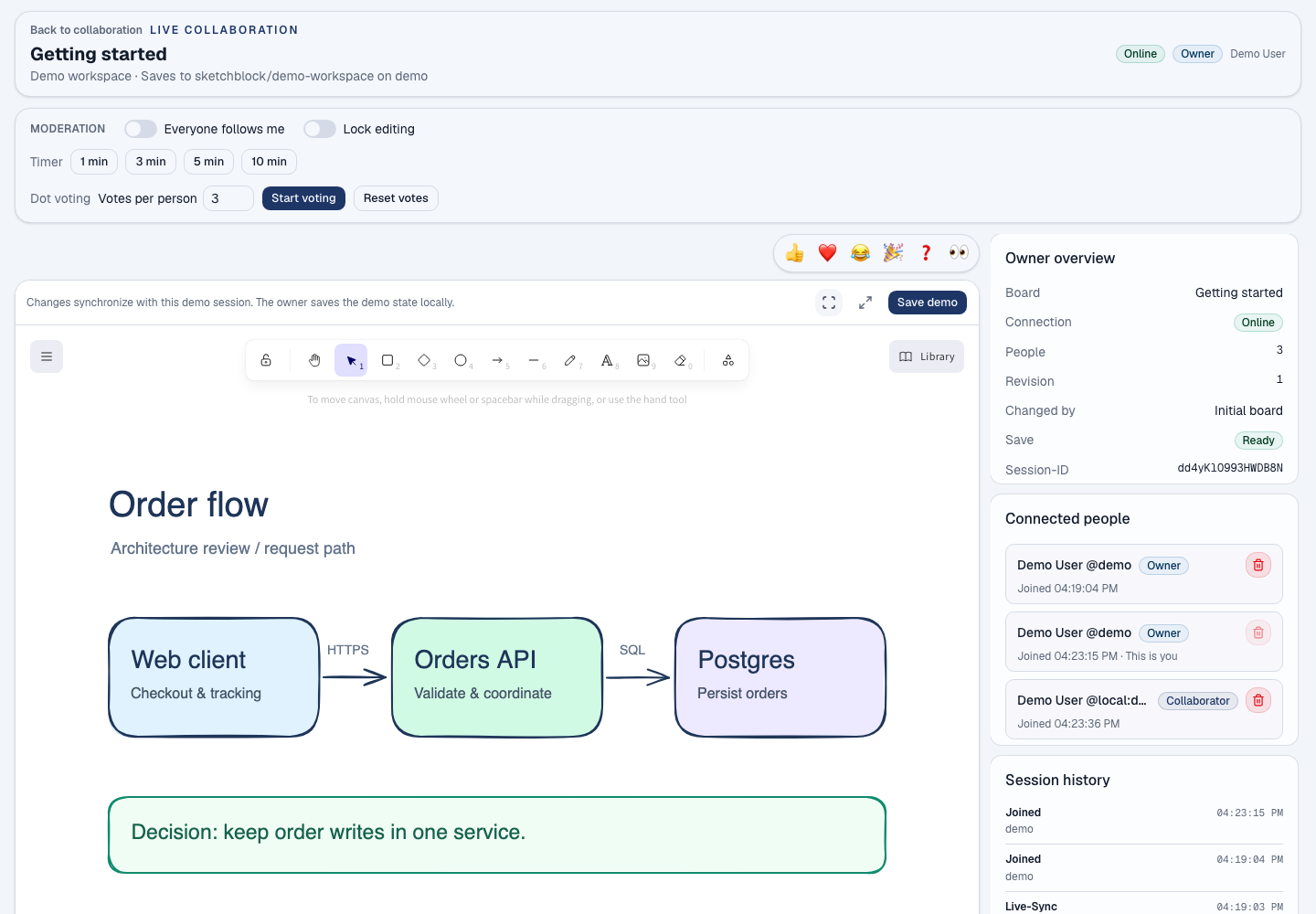
Session owners can moderate live collaboration with a toolbar offering participant synchronization, edit locks, timers, and voting features.
Facilitation loop
- Frame
Bring participants to the same viewport when the owner introduces a topic.
- Focus
Lock editing or start a timer while the group works on one decision.
- Decide
Run a voting round and review the highest-voted elements.
- React
Use lightweight emoji reactions to keep feedback visible during the session.
Moderation Bar
The owner's live session editor displays a moderation toolbar with these controls:
- Everyone follows me: Participants' viewports sync to the owner's viewport in real time. Participants can stop following locally without disrupting others.
- Lock editing: Collaborators cannot edit; only the owner can modify the canvas. Viewers remain read-only.
- Timer presets: Start a countdown (1, 3, 5, or 10 minutes) visible to everyone.
Voting
Participants vote by selecting an element and pressing "Vote" or clicking a vote badge on the canvas. Configure voting:
- Start or end voting rounds from the moderation bar.
- Set votes per person (1–10, default 3).
- View a summary of top-voted elements.
- Reset votes to start a fresh round.
Vote badges display current counts on elements. Participants see their remaining votes.
Emoji Reactions
Participants send floating emoji reactions (👍 ❤️ 😂 🎉 ❓ 👀) over the canvas. Motion respects the system's reduced-motion setting.
Session State
Moderation state, votes, and reactions are live-only. They are cleared when a session ends or the collaboration server restarts.